
BLE主机实战:泰凌微BLE作为主机发送连接参数更新请求
一、前言
本篇将描述泰凌微BLE作为主机,调用写入命令API,发送数据给到芯科BLE芯片。
二、阅读说明
1、泰凌微芯片开发学习者。
2、芯科芯片开发学习者。
3、蓝牙 spec学习者。
三、正文
1、使用的demo
泰凌芯片:ble_master_kma_dongle
芯科芯片:Bluetooth - SoC Blinky
2、连接参数更新请求API
java
/**
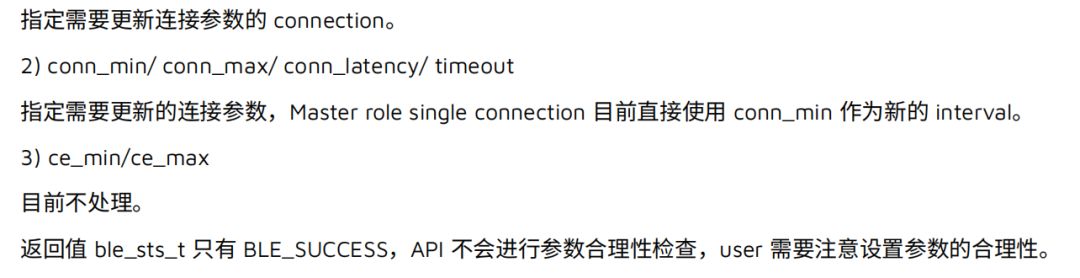
 * @brief      for user to start update parameter process in master role .
 *             Please refer to BLE Core Specification: Vol 4, Part E, 7.8.18 for more information to understand the meaning of each parameters and
 *             the return values.
 * @param[in]  connHandle - connect handle
 * @param[in]  conn_min - minimum connection interval
 * @param[in]  conn_max - maximum connection interval
 * @param[in]  conn_latency - connection latency
 * @param[in]  timeout - connection timeout
 * @param[in]  ce_min - not supported
 * @param[in]  ce_max - not supported
 * @return     status, 0x00:  succeed
 *                     other: failed
 */
ble_sts_t   blm_ll_updateConnection (u16 connHandle,
                              u16 conn_min, u16 conn_max, u16 conn_latency, u16 timeout,
                              u16 ce_min, u16 ce_max );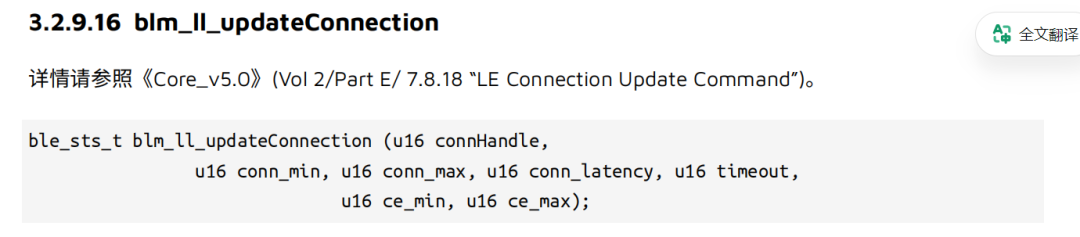
3、编写代码
cpp
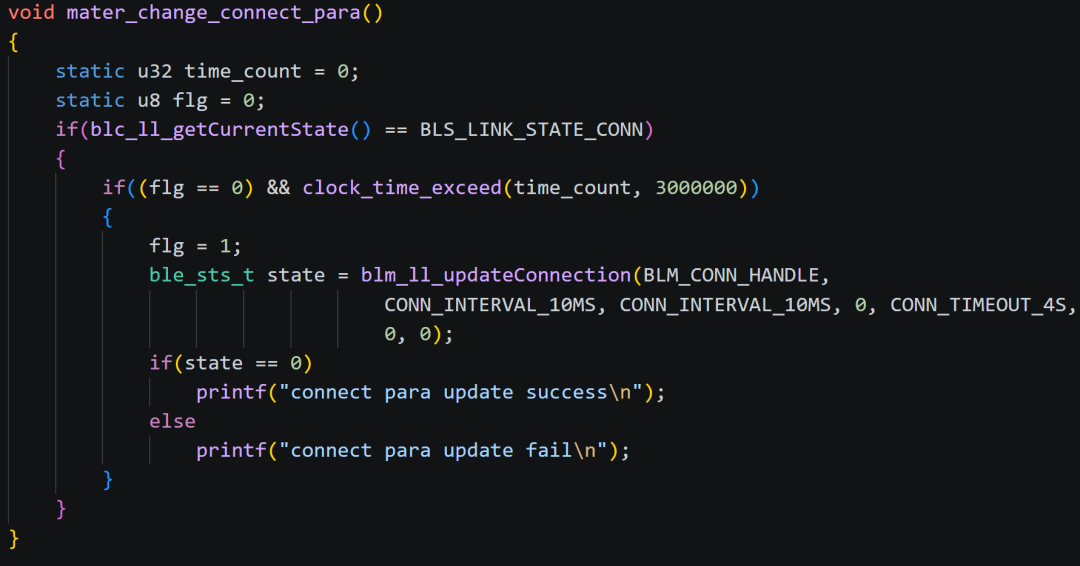
void mater_change_connect_para()
{
    static u32 time_count = 0;
    static u8 flg = 0;
    if(blc_ll_getCurrentState() == BLS_LINK_STATE_CONN)
    {
        if((flg == 0) && clock_time_exceed(time_count, 3000000))
        {
            flg = 1;
            ble_sts_t state = blm_ll_updateConnection(BLM_CONN_HANDLE,
                                CONN_INTERVAL_10MS, CONN_INTERVAL_10MS, 0, CONN_TIMEOUT_4S,
                                0, 0);
            if(state == 0)
                printf("connect para update success\n");
            else
                printf("connect para update fail\n");
        }
    }
}
上述函数的功能为,当主机和从机连接完成之后,延时3s后发送连接更新请求指令。
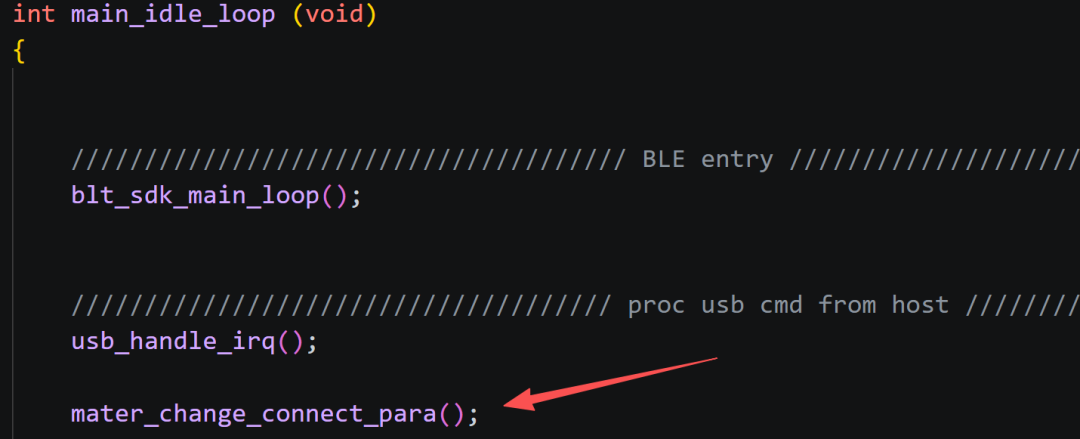
将mater_change_connect_para()函数放到主循环中:
4、打印结果
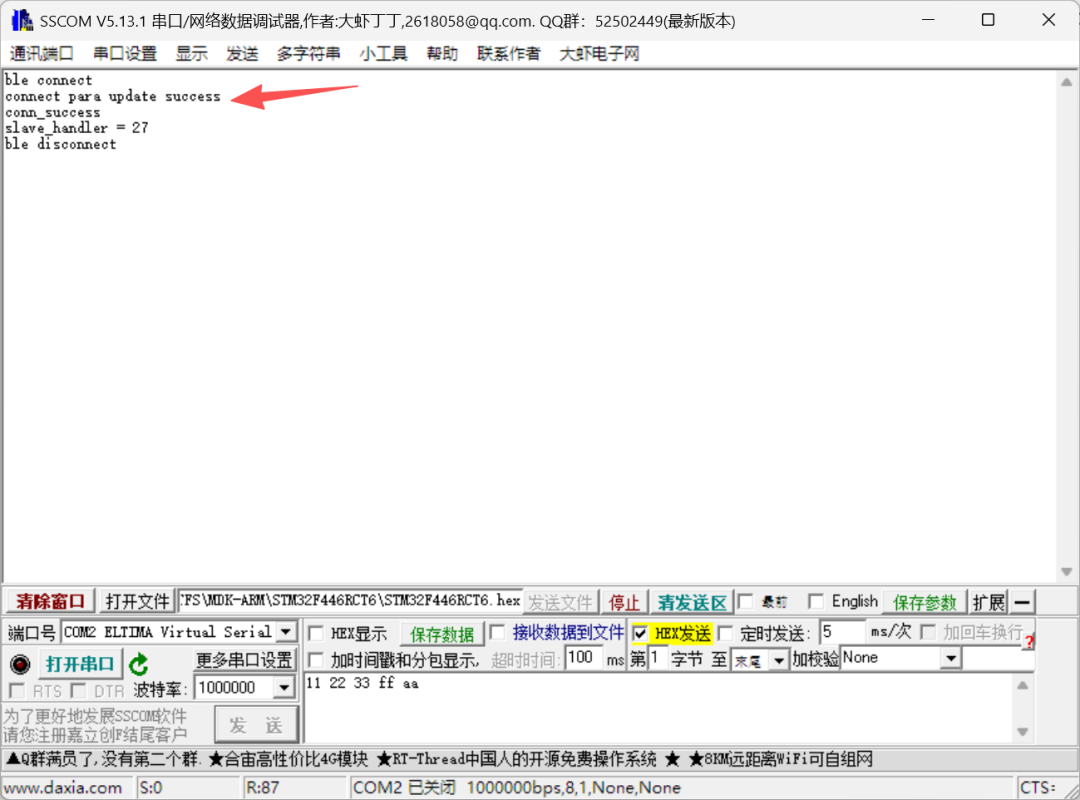
如上所示调用连接参数更新成功。
五、结尾
本篇的讲解了更新连接参数API。